

How to Keep Signed Documents Verifiable
Published on:
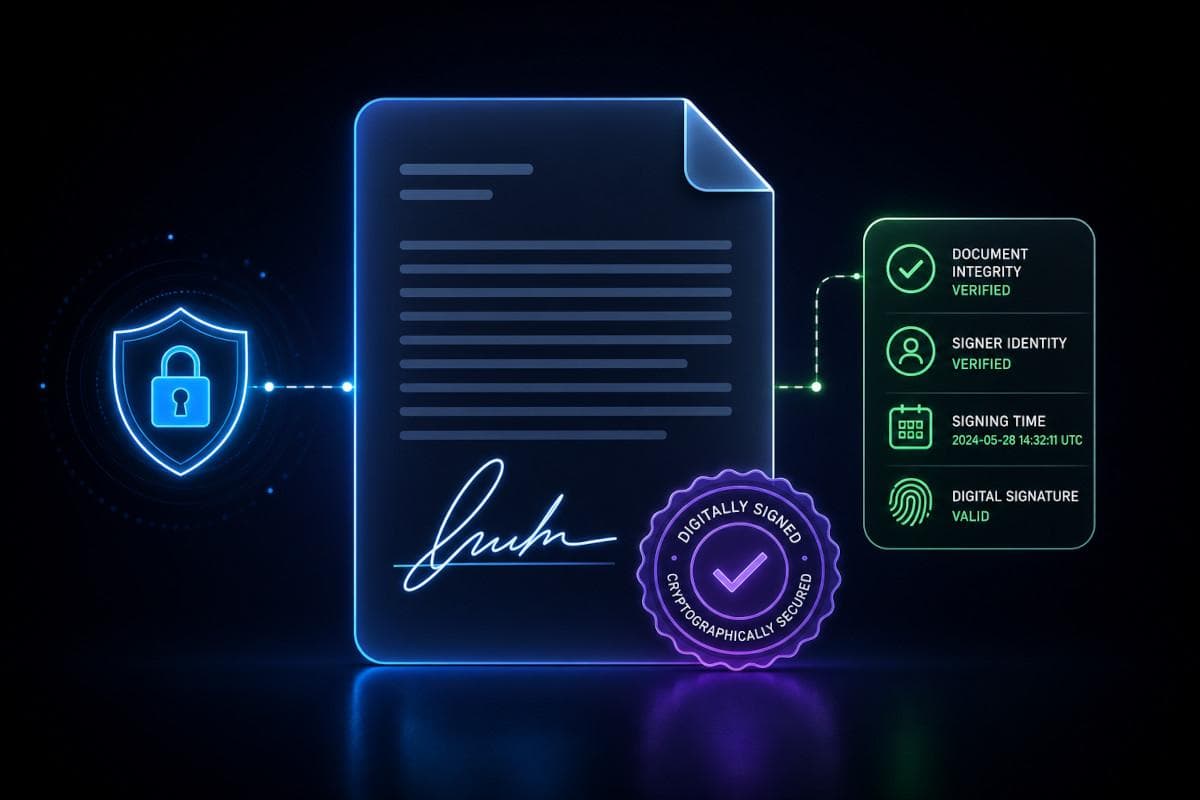
Signed documents are only valuable if you can prove they are authentic, unchanged, and connected to a reliable record of what happened before and after the signature. For legal, compliance, operations, HR, procurement, and governance teams, that proof matters long after a document is executed.
A signature may confirm intent in the moment. But when questions come later, the real issue is verifiability. Can you show who signed, when they signed, what version they signed, whether the document changed afterward, and where the authoritative record has been preserved?
That is what makes a signed document trustworthy.
In this guide, we explain how to keep signed documents verifiable using secure storage, complete audit trails, document integrity controls, and defensible record keeping practices.
Why signed document verifiability matters
Many teams assume that once a document is signed, the process is complete. In reality, signing is only part of the story. The long-term value of a signed document depends on your ability to verify it later.
That matters in situations like:
- contract disputes
- regulatory reviews
- internal investigations
- board or governance reviews
- compliance audits
- policy attestations
- employment matters
- financial approvals
In each case, the question is not just whether a signature exists. The question is whether the signed document can stand up to scrutiny.
Without strong signed document verification, organizations can run into problems such as:
- uncertainty over which version was actually signed
- missing or incomplete audit trails
- altered files that are hard to detect
- signed copies spread across email, shared drives, and local folders
- weak evidentiary value in disputes or reviews
- difficulty proving chain of custody
A signed PDF sitting in an inbox may look complete, but that does not automatically make it verifiable.
What makes a signed document verifiable?
To keep signed documents verifiable, organizations need more than a signature image or a final file. A verifiable signed document combines proof of signing with proof of integrity, context, and preservation.
Clear proof of signing
A verifiable record should show:
- who signed the document
- when the document was signed
- how the signature was applied
- what exact version of the document was signed
If any of that is missing, the record becomes harder to trust. Even a valid signature can lose value if the surrounding context is incomplete.
Document integrity
Verifiability depends on being able to show that the document has not changed after signing. If edits can be made silently, or if multiple near-identical copies are circulating, confidence in the final record drops quickly.
Document integrity controls help establish that:
- the signed version is fixed
- any later modification is detectable
- the authoritative copy is preserved
- version confusion is minimized
Reliable audit trails
A legal document audit trail helps connect the signature to the wider workflow. It should capture relevant actions such as review, access, sharing, signing, and storage events with timestamps.
This creates a defensible history of the document, not just a static file.
Secure storage and controlled access
Even a properly signed document can become difficult to verify if it is poorly stored. Signed records should be preserved in a secure, organized system with clear permissions and retention controls.
Without that, teams often end up with missing records, duplicate copies, or uncertainty about which file can actually be relied on.
Common reasons signed documents become hard to verify
In many organizations, verification problems do not happen because someone intended to weaken the record. They happen because the workflow was fragmented from the start.
Here are some of the most common issues.
Documents are stored in too many places
When signed agreements are scattered across inboxes, desktop folders, cloud drives, and departmental systems, it becomes difficult to identify the authoritative version. Teams waste time searching, and confidence in the record decreases.
Final signed versions are mixed with drafts
If draft versions and signed versions live side by side without clear labeling or structure, it is easy for the wrong file to be referenced later. That creates risk in legal and compliance workflows where accuracy matters.
Audit history is incomplete or missing
Some teams capture the signature but fail to preserve the process around it. If there is no reliable audit trail showing timestamps, version history, or access activity, signed document verification becomes much weaker.
Post-signature changes are hard to detect
A document may appear signed and complete while still being vulnerable to later edits, replacement, or accidental changes. Without tamper-evident controls, those issues may go unnoticed until a dispute arises.
Teams rely on manual logs or screenshots
Screenshots, spreadsheets, and manually entered notes are not substitutes for system-generated records. They are easy to lose, difficult to validate, and rarely create the level of trust needed for defensible record keeping.
There is no clear chain of custody
If you cannot show where the document lived, who had access, and what happened to it over time, verification becomes more difficult. This is especially important in high-risk legal, regulatory, and governance environments.
Best practices to keep signed documents verifiable
Organizations that want stronger signed document verification should focus on process, storage, and integrity together. Here are the core practices that make the biggest difference.
1. Store the signed version as the authoritative record
The final signed version should be clearly identified and preserved as the official record. It should not be buried in email threads or mixed in with working drafts.
Good practice includes:
- clearly marking the completed signed copy
- storing it in a central system
- preserving key metadata
- separating drafts from final executed versions
When teams know exactly which version is authoritative, later verification becomes much easier.
2. Maintain a complete audit trail
A strong audit trail should show the lifecycle of the document, including:
- review activity
- approvals
- signatures
- timestamps
- access events
- any relevant changes or actions
This is one of the most important parts of keeping signed documents verifiable. If the signature can be linked to a trustworthy record of activity, the document is far easier to defend in audits, disputes, and reviews.
3. Use tamper-evident controls
Tamper-evident safeguards make it easier to detect whether a signed document has changed after execution. This is essential for maintaining trust in the final version.
These controls can include:
- file integrity checks
- version locking
- immutable logs
- cryptographic methods that detect alterations
The goal is not just to protect the document, but to make any interference visible.
4. Preserve version history and document context
It is not enough to keep only the final file. In some workflows, you also need to know what happened before the signature.
That may include:
- who reviewed the document
- what changes were made before signing
- which version was approved
- how the final version was produced
Version context helps reduce confusion and supports stronger explanations if the document is later questioned.
5. Control access to signed records
Signed documents should not remain open to unnecessary editing or broad access. Strong permission controls reduce the risk of accidental changes, deletion, or unauthorized handling.
This includes:
- role-based access permissions
- limited editing rights
- clear ownership
- secure retrieval processes
Access control is a practical but often overlooked part of document integrity.
6. Keep signed documents in a system built for high-trust workflows
Generic file storage may be convenient, but it often lacks the structure needed for legal and compliance records. Signed documents are more defensible when they are stored in a system designed for traceability, matter organization, retention, and auditability.
That gives teams a better foundation for:
- search and retrieval
- record preservation
- linked audit history
- version clarity
- consistent governance
7. Strengthen integrity with verifiable technologies
For higher-risk environments, organizations may benefit from technologies that reinforce trust in document integrity over time. This can include:
- cryptographic hashing
- blockchain anchoring
- independent verification methods
- durable integrity checks for long-term preservation
These approaches help prove that a document existed in a specific form at a specific time and has not been altered since.
How audit trails support signed document verification
An audit trail is one of the strongest tools for verifying signed documents because it adds history, context, and traceability to the file itself.
A useful legal document audit trail should show:
- when the document was created
- who accessed it
- who reviewed it
- when it was shared
- who signed it
- what version was involved
- whether later changes occurred
- where the document has been stored
This matters because most challenges to signed records do not focus only on the signature. They focus on the surrounding circumstances.
For example:
- Was the right version signed?
- Did the signer receive the same version now being relied on?
- Was the file changed afterward?
- Can the organization prove continuous control over the record?
A complete, timestamped audit trail makes those questions easier to answer. It also reduces reliance on memory, manual reconstruction, or fragmented systems.
How to verify signed documents in a defensible workflow
If your team needs to verify signed documents consistently, it helps to use a repeatable process.
Step 1: Confirm the final signed version
Start by identifying the authoritative signed copy. Make sure it is clearly distinguished from drafts, unsigned versions, and duplicate files.
Step 2: Review signature details and timestamps
Check who signed, when they signed, and how the signature was captured. Confirm that these details match the expected workflow and parties involved.
Step 3: Check the audit trail
Review the document’s activity history. Look for timestamps, approvals, sharing activity, and any workflow steps connected to execution.
Step 4: Confirm there were no post-signature changes
Use document integrity controls, version history, or tamper-evident records to verify that the file has not been modified since signing.
Step 5: Review access history and storage controls
Check where the document has been stored and who had access. This supports chain of custody and helps show the record was properly preserved.
Step 6: Preserve the verification record
If the document is likely to matter in an audit, investigation, dispute, or review, preserve the verification evidence along with the signed document itself. That may include audit logs, metadata, and integrity proofs.
Verifiable signed documents across common use cases
The need to verify signed documents shows up across many departments and workflows.
Contracts and commercial agreements
Executed contracts often need to be retrieved and defended long after signature. Verifiability helps prove the agreement is complete, authentic, and unchanged.
Board and governance approvals
Board resolutions, consents, and governance documents require strong records because they may be reviewed in audits, financing, due diligence, or disputes.
Compliance attestations and policy sign-offs
Organizations often need to prove not just that a form was signed, but that the signer received the correct version and completed the process at the right time.
Employment and HR records
Offer letters, acknowledgments, policy confirmations, and disciplinary records all benefit from stronger signed document verification and secure preservation.
Financial services and regulated workflows
In highly regulated sectors, signed records often need to support supervisory review, internal controls, and long-term retention requirements.
High-value internal approvals
Authorizations for payments, exceptions, delegated authority, and sensitive decisions all carry lower risk when the signed record is traceable and verifiable.
What to look for in signed document verification software
If your organization is evaluating tools to improve signed document verification, look for capabilities that go beyond simple storage or signature capture.
Important features include:
- built-in audit trails
- secure storage for signed records
- version control
- tamper-evident protections
- strong permission controls
- matter or record-centric organization
- easy search and retrieval
- retention support
- exportable records for review or evidence
- integrity verification features
The right system should help your team prove authenticity, integrity, and history without relying on manual workarounds.
Conclusion
A signature alone is rarely enough. If a document cannot be tied to a trustworthy history, protected against silent change, and preserved in a reliable system, its value drops when scrutiny begins.
That is why organizations should treat signed records as high-trust assets. The goal is not just to collect signatures. It is to keep signed documents verifiable over time.
When signed records are supported by strong audit trails, secure storage, version clarity, and document integrity controls, teams are better prepared for audits, disputes, investigations, and day-to-day governance.
Lexkeep helps organizations keep signed documents verifiable, secure, and audit-ready across legal and compliance workflows.
Frequently Asked Questions
01How do you verify a signed document?
To verify a signed document, confirm the final signed version, review signature details and timestamps, check the audit trail, and confirm the file has not changed after signing.
02What makes a signed document legally defensible?
A legally defensible signed document usually includes proof of signing, document integrity, audit history, secure storage, and a clear record of the version that was executed.
03Why is an audit trail important for signed documents?
An audit trail helps prove who signed, when they signed, what version they signed, and what happened to the document before and after execution.
04How can organizations prevent changes to signed documents?
Organizations can reduce risk by using role-based access controls, version locking, secure storage, tamper-evident safeguards, and systems designed for high-trust records.
05What is the difference between a signed document and a verifiable signed document?
A signed document contains a signature. A verifiable signed document includes the supporting evidence needed to prove authenticity, integrity, and history.
Can't find what you're looking for? Browse more FAQs or contact us for further assistance.